I’m trying to set up a python API to communicate with my Moku:lab, but have fallen at the first hurdle of simply connecting them. I have pip installed moku version 4.0.3.1 and downloaded/set up mokucli version 4.0.3.1, and my firmware is version 622.0. As far as I can tell, these are all the latest versions and should therefore be compatible? But, when I run e.g., “i = Oscilliscope(‘IP address‘, force_connect=True)”, I get the error “IncompatibleMokuException: You are using an old version of Moku firmware. Please update your firmware to the latest version using the Moku Desktop app.”
When I run “mokucli list”, nothing is listed, but I’m able to manually find the IP address via the desktop app - I’m assuming this is related.
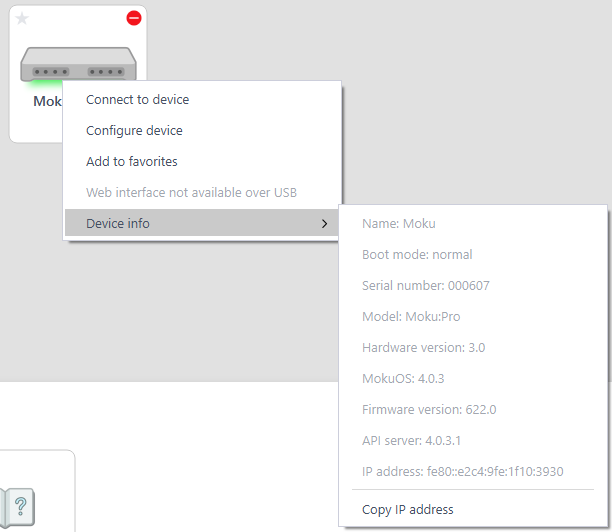
Thank you for reaching out to Liquid Instruments! This error comes from the firmware not being updated. I know that you mentioned you were on FW 622 but could you please double check by right clicking the device icon, going to ‘Device Info’ and checking the firmware? You can download the latest version of the app here. It is also worth verifying that the API server is installed; you can find this under the firmware.
Also, could you please confirm that you went through all the steps in this article? The correct version of the bitstreams is 4.0.3; mokucli instrument download 4.0.3. I’m looking forward to hearing from you!
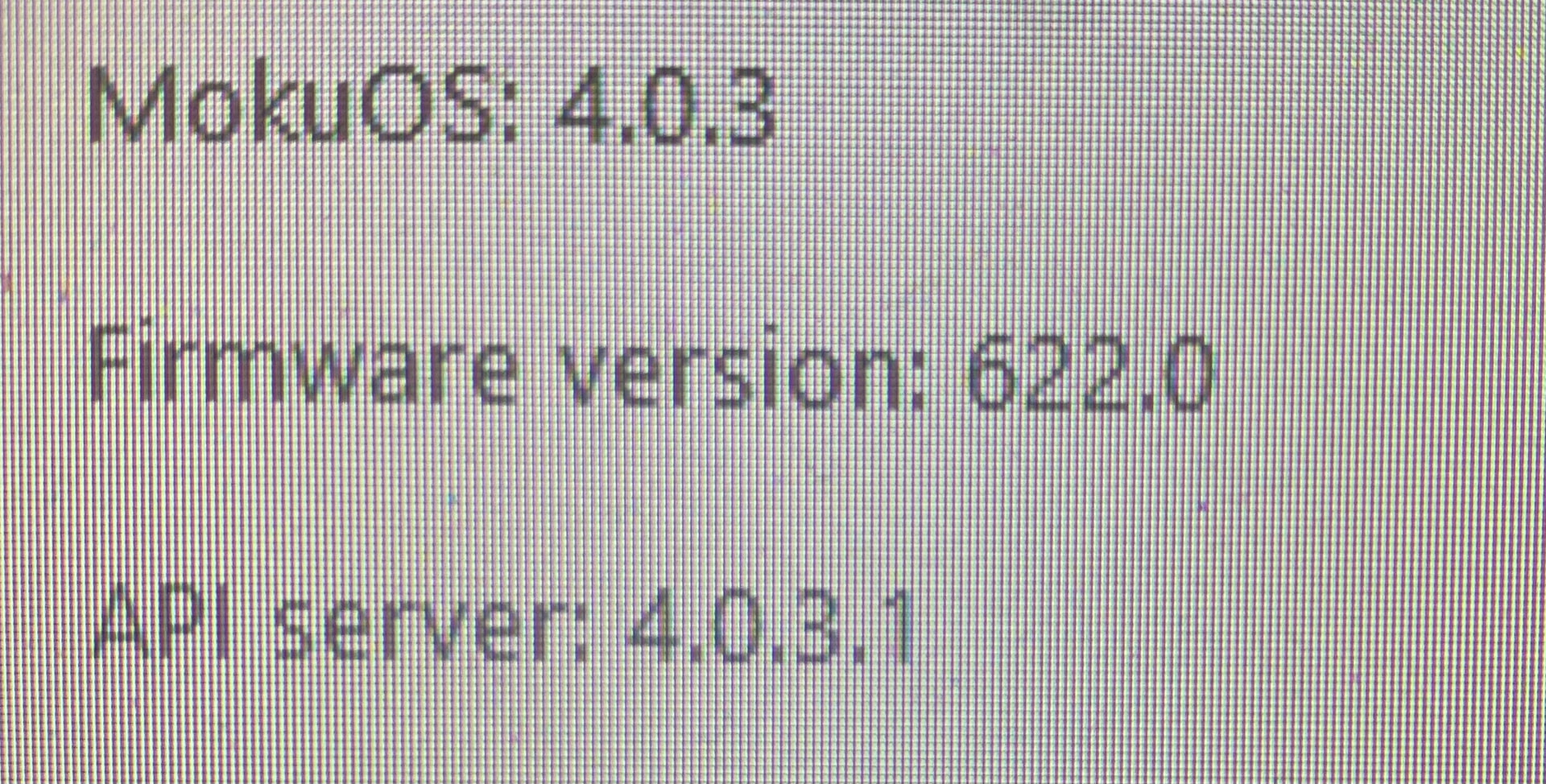
Thank you for the response. I’ve double checked the firmware as requested and have attached a screenshot. I’ve also confirmed that I’m running the latest app version and have followed the steps in the linked article. Unfortunately, the same error is being encountered…
Thank you for sharing that! I noticed that your error message states ‘IncompatibleMokuException: You are using an old version of Moku firmware.’ but if you are using the new APIs, the error message is changed to ‘IncompatibleMokuException: You are using an old version of MokuOS.’ to reflect the naming change. This leads me to believe you have an older version of the API package installed. . I would recommend to delete the moku installation and redownload it. You can run pip uninstall moku or run where moku and delete it from your file manager. Then, redownload the package by running pip install moku. I really hope this helps and I’m looking forward to hearing from you!
I’m experiencing the same issue that Cameron reported. I’m unable to connect to Moku using the Python API, and I’ve already tried the following steps:
pip uninstall moku and pip install moku
reinstall moku desktop app
The error message is:IncompatibleMokuException: You are using an old version of Moku firmware. Please update your firmware to the latest version using the Moku Desktop app.
However, the firmware update button does not appear in the Moku app:
I wanted to share an update on this issue. I was able to resolve it by updating mokucli, then running mokucli instrument download 4.0.3, and then reinstalling the Moku Python package.
I discovered this workaround while attempting to connect via MATLAB, where the following error appeared:
>> m = MokuArbitraryWaveformGenerator('[fe80::e2c4:9fe:1f10:3930]', force_connect=true)
Error using Moku.get_version_info
Version information not found, download instrument data with `mokucli instrument download 4.0.3`

Error in Moku.get_bitstream_path (line 107)
            version_info = Moku.get_version_info(mokuOS_version);

Error in Moku/load_instrument_resources (line 344)
                data_dir = obj.get_bitstream_path(obj.MokuOSVersion, obj.Hardware);

Error in MokuArbitraryWaveformGenerator (line 83)
                obj.load_instrument_resources('01-000');
After these steps, the firmware version itself did not appear to change, which makes me wonder if the Python package is throwing an incorrect exception.